
4. Basic Production & Editing
How creators can edit content faster without sacrificing quality by using simple systems, repeatable decisions, and focused workflows.
Overview
Editing is where many creators lose momentum. What starts as a simple task often turns into hours of tweaking, second guessing, and perfectionism. Many creators believe slow editing is a sign of high standards, when in reality it is usually a lack of structure. Editing for speed is not about cutting corners or lowering quality. It is about removing unnecessary decisions, building repeatable habits, and focusing only on changes that meaningfully improve the viewer experience.
Fast editors are not faster because they rush. They are faster because they know what matters and what does not. They use templates, presets, shortcuts, and clear priorities to move efficiently from raw footage to finished content. This lesson explains the core editing fundamentals that allow creators to edit quickly and confidently. It focuses on practical workflows, decision-making frameworks, and habits that reduce friction and mental fatigue.
By the end of this lesson, creators will understand how to streamline their editing process, avoid common time traps, and build an editing workflow that supports consistency, confidence, and sustainable output.
Why It Matters
Reduces time spent per video without lowering quality
Prevents burnout caused by endless editing sessions
Improves consistency by making editing repeatable
Helps creators publish more reliably
Reduces perfectionism and second guessing
Supports faster feedback and iteration
Makes content creation feel lighter and more manageable
Creates momentum through completion
Common Challenges
Over editing small details viewers will not notice
Starting every edit from scratch
Not knowing when a video is finished
Constantly changing styles or effects
Editing without a clear structure
Getting distracted during editing sessions
Spending too long fixing minor mistakes
Rewatching footage excessively
Letting editing delay publishing
Feeling overwhelmed by software features
Steps to Take
Define your editing goal before starting
Action: Clarify what the edit needs to achieve.
How: Decide whether the goal is clarity, pacing, energy, or simplicity before opening your editor. This prevents unnecessary changes that do not serve the outcome.
Example: A creator decides the goal is clear delivery, not cinematic polish.Create a standard editing order
Action: Follow the same sequence every time.
How: Always edit in the same order, such as cutting mistakes first, then tightening pacing, then adding text or music last.
Example: A creator never adds effects before finishing the rough cut.Use templates and presets
Action: Eliminate repeated decisions.
How: Create reusable templates for intros, lower thirds, captions, and exports.
Example: A creator loads the same project template for every video.Cut aggressively, then stop
Action: Remove friction early.
How: Cut pauses, mistakes, and filler quickly without judging the edit yet. Avoid polishing before structure is complete.
Example: A creator deletes obvious errors in one fast pass.Limit stylistic choices
Action: Reduce decision fatigue.
How: Choose one font, one caption style, and one transition style and stick to them.
Example: A creator uses the same caption format in every video.Edit in focused passes
Action: Separate tasks mentally.
How: Do multiple fast passes instead of one long perfectionist session. Each pass has one purpose.
Example: One pass for cuts, one for pacing, one for captions.Stop rewatching unnecessarily
Action: Trust your instincts.
How: Watch clips once with intention instead of replaying repeatedly.
Example: A creator commits to making decisions on the first or second view.Use keyboard shortcuts
Action: Speed up mechanical tasks.
How: Learn shortcuts for cutting, trimming, playback speed, and undo.
Example: A creator reduces mouse use and edits faster.Set time limits for editing
Action: Prevent endless tweaking.
How: Decide in advance how long the edit will take and stop when time is up.
Example: A creator gives short-form videos 30 minutes max.Accept “good enough”
Action: Publish instead of perfecting.
How: Ask whether changes improve clarity for the viewer, not your ego.
Example: A creator stops adjusting captions once they are readable.Create an export checklist
Action: Avoid last-minute mistakes.
How: Use a simple checklist for resolution, captions, audio, and format.
Example: A creator checks export settings once and moves on.Review performance, not perfection
Action: Improve based on results.
How: Learn from analytics instead of over-editing upfront.
Example: A creator adjusts pacing in future videos instead of re-editing old ones.
Detailed Examples
Example 1
Situation: A creator spends hours editing short videos because they continuously adjust colors, captions, and tiny visual details. These repeated tweaks make editing feel exhausting and delay publishing.
Action: They switch to using a fixed editing template with one font, one caption style, and minimal visual effects. They commit to only making changes that improve clarity or pacing.
Result: Editing time drops significantly and videos look more consistent across platforms. The creator feels less drained and publishes more confidently.
Example 2
Situation: A creator repeatedly rewatches footage and second guesses every cut they make. Editing sessions become mentally tiring and progress feels slow.
Action: They adopt a multi-pass editing workflow and limit themselves to one or two viewings per clip. They make decisions faster and move forward without revisiting earlier cuts.
Result: Editing becomes more focused and efficient. Videos reach the publishing stage much sooner.
Example 3
Situation: A creator struggles to finish edits because nothing ever feels complete enough to publish. They keep delaying posts in pursuit of perfection.
Action: They define clear “done” criteria and set a strict time limit for each edit. Once the time limit is reached, they export and publish without further tweaking.
Result: Content begins going live consistently and on schedule. Confidence improves as repetition replaces hesitation.
Common Mistakes
Over-editing minor details
Starting edits without a plan
Changing styles too often
Ignoring templates and presets
Editing endlessly without time limits
Confusing polish with value
Letting editing delay publishing
Re-editing content unnecessarily
Creator Tips
Speed comes from structure, not rushing.
Templates save more time than shortcuts alone.
Viewers value clarity more than polish.
Consistency beats experimentation during editing.
Editing is a skill built through repetition.
Decide once, reuse often.
Finished is better than perfect.
Momentum matters.
Conclusion
Editing fundamentals for speed are about clarity, systems, and confidence. When creators remove unnecessary decisions and follow repeatable workflows, editing becomes faster and far less stressful. Speed does not come from cutting quality, it comes from cutting friction. By using templates, limiting choices, editing in focused passes, and defining clear stopping points, creators can publish consistently without burning out. This lesson empowers creators to edit efficiently, trust their process, and keep momentum moving forward.
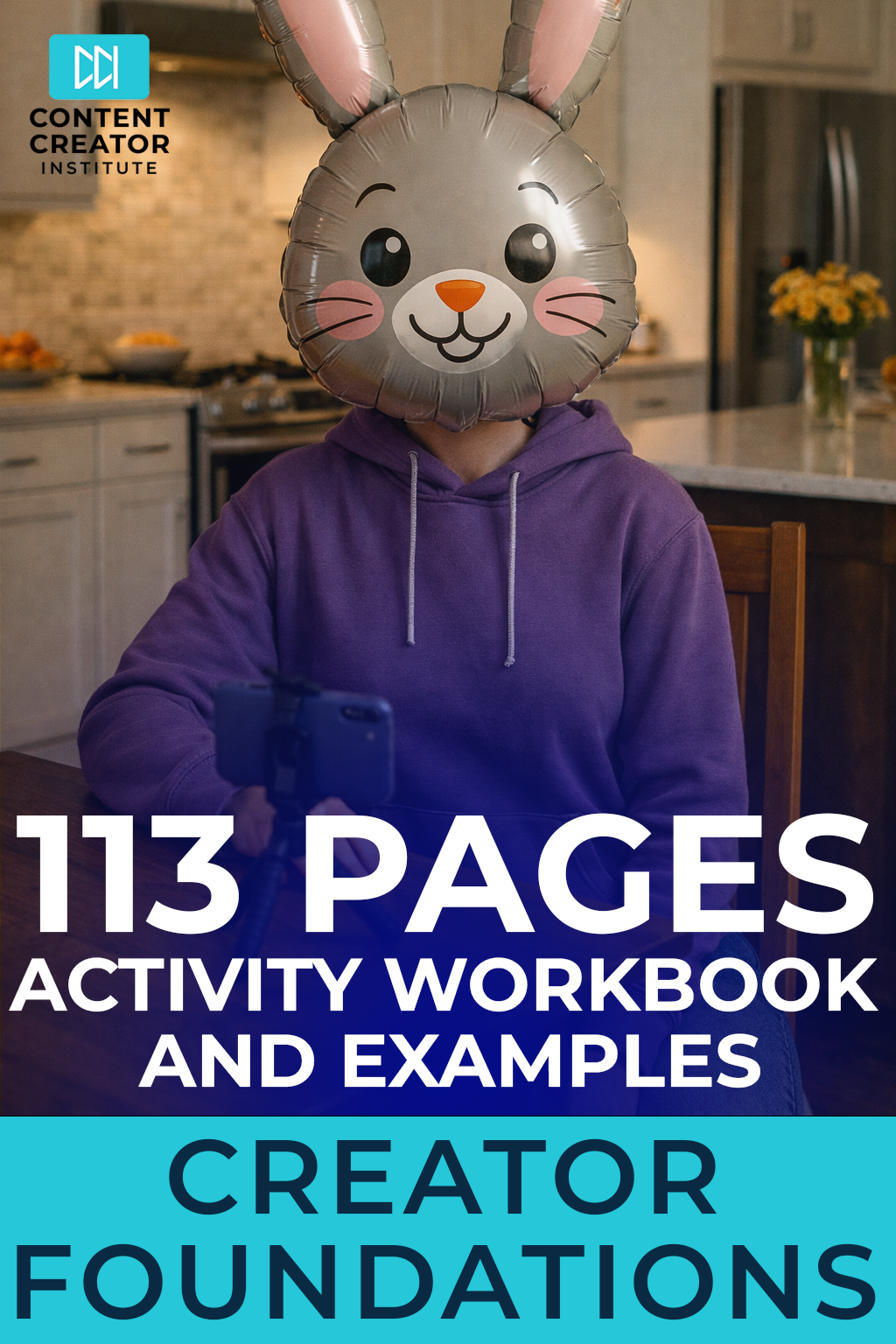
Level 1: Content Creator Foundations - Activity Workbook & Examples
$25.00
Your Practical Starting Point for Clarity, Confidence, and Consistent Creation
Are you thinking about becoming a content creator, but unsure where to start? Are you opening your phone or laptop with ideas in your head but no clear plan for turning them into consistent content? Do you want to build something meaningful without burning out, copying everyone else, or constantly second guessing yourself?
The Content Creator Foundations Activity Workbook works together with the Content Creator Foundations Course and is the behind-the-scenes planning system every new and aspiring creator needs. This 113 page guided workbook helps you organize your ideas, define your direction, and build sustainable habits so content creation feels clear and manageable from the very beginning.
Whether you are exploring content creation as a creative hobby or laying the groundwork for a long-term career, this workbook gives you a structured way to move forward with confidence instead of uncertainty.
Why This Workbook Matters
New creators don’t struggle because they lack ideas. They struggle because they lack direction, structure, and a clear starting point.
Between choosing a niche, figuring out what to post, learning how platforms work, setting up filming, editing, and trying to stay consistent, content creation can quickly feel confusing and mentally exhausting. Without a plan, most creators stop before they ever build momentum.
This workbook removes that friction.
Instead of guessing, you work through clear activities that guide your thinking, your decisions, and your actions. You are shown what progress actually looks like, with completed examples included throughout so you never feel stuck wondering if you are doing it “right.”
What Makes This Workbook Different
Most creator workbooks ask questions and leave you to figure out the answers on your own. This one shows you how to think through each step.
✔ 113 pages of structured activities tied to content creator decisions
✔ Clear instructions that tell you exactly what to do and why
✔ Fully completed examples for every lesson
✔ Focus on systems, not motivation or trends
✔ Designed to reduce mental load and build confidence through action
✔ Built for beginners without requiring experience or equipment
This is not about posting more content. It is about building a foundation that makes consistency possible.
Who This Workbook Is For
This workbook is designed for creators at the beginning of their journey, including:
🎥 Aspiring content creators exploring a new path
📱 Hobby creators who want more structure and clarity
🎙️ Creators building confidence on camera
✍️ Writers, educators, and professionals testing content ideas
🚀 New creators who want systems, not shortcuts
If you want to understand content creation before committing fully, this workbook gives you a safe, practical place to start.
What’s Inside the Workbook
Inside this 113 page activity workbook, you will work through exercises covering:
• Choosing and testing a content niche
• Defining a recognizable content style
• Building confidence on camera
• Understanding how platforms surface content
• Long-form versus short-form decision making
• Selecting a primary platform
• Creating repeatable content idea systems
• Balancing trend and evergreen content
• Building a personal content vault
• Setting up simple filming workflows
• Editing for speed and clarity
• Developing a realistic posting schedule
• Reducing overthinking and perfection paralysis
Each section is designed to move you from uncertainty to clarity, one step at a time.
How to Use This Workbook
Open a blank Word document or Google Doc and use it as your working space alongside the workbook. Answer the questions honestly, write freely, and focus on progress instead of polish. You are creating a planning and thinking tool, not a finished product.
You can move through one lesson at a time, revisit sections as your ideas evolve, and reuse the frameworks as your skills grow.
This workbook is meant to be returned to, not completed once and forgotten.
Imagine This…
Knowing what you want to create and why.
Opening your content notes and seeing clear ideas instead of scattered thoughts.
Feeling confident on camera because you understand your style.
Posting consistently because your process supports you.
Building something sustainable, whether content creation becomes a career or remains a meaningful creative outlet.
This workbook helps you build clarity first, so momentum can follow.
Get the Content Creator Foundations Activity Workbook
113 pages. Clear guidance. Real examples. No fluff. Build your foundation once so everything you create after this has something solid to stand on.
👉 Get the Workbook
Self-Reflection Questions
Where do I lose the most time while editing?
Which decisions do I repeat every time?
What parts of editing feel hardest?
What can I standardize immediately?
Am I editing for viewers or myself?
What does “done” actually mean for me?
How could faster editing improve consistency?
What habit would save the most time?
Keyword Phrases
Editing workflow: A repeatable process for turning raw footage into finished content.
Editing for speed: Prioritizing efficiency without sacrificing clarity.
Templates and presets: Reusable editing assets that save time.
Decision fatigue: Mental exhaustion from too many choices.
Multi-pass editing: Editing in focused stages instead of one long session.
Content consistency: Maintaining a uniform visual and pacing style.
Publishing momentum: Completing and releasing content regularly.
Good-enough threshold: The point where content is ready to publish.
Tools and Resources
Video editing software templates
Keyboard shortcut guides
Caption style presets
Export setting checklists
Time-tracking tools
Editing workflow templates
Batch editing schedules
Performance review notes