
4. Basic Production & Editing
How creators can design repeatable filming systems that reduce friction, improve consistency, and make content creation feel easier and more professional.
Overview
Filming workflows determine how smoothly content moves from idea to finished video. Without a clear workflow, creators often waste time setting up equipment, second-guessing themselves, or postponing filming altogether. Many creators feel overwhelmed not because filming is difficult, but because the process around filming is unclear or inconsistent. A well-designed filming workflow removes decision fatigue, reduces setup time, and creates confidence through repetition.
A filming workflow is a step-by-step system that guides you through preparation, setup, recording, and wrap-up. It does not require expensive equipment or complex setups. Instead, it focuses on consistency, efficiency, and comfort. This lesson explains how to design a filming workflow that fits your environment, content style, and energy levels. It also shows how to batch content, minimize mistakes, and build habits that support long-term creation.
By the end of this lesson, creators will understand how to set up filming workflows that save time, reduce stress, and make it easier to show up on camera consistently.
Why It Matters
Reduces friction and resistance before filming
Saves time by eliminating repeated setup decisions
Improves on-camera confidence through familiarity
Supports consistent posting schedules
Minimizes technical mistakes and re-filming
Increases content quality through repeatable systems
Reduces burnout caused by chaotic production
Builds momentum through reliable routines
Common Challenges
Procrastinating filming due to setup stress
Spending too much time adjusting equipment
Forgetting steps and making avoidable mistakes
Feeling scattered or rushed before recording
Filming inconsistently due to lack of structure
Overcomplicating production unnecessarily
Struggling to batch content efficiently
Re-recording due to technical errors
Feeling uncomfortable on camera
Not knowing where to start each time
Steps to Take
Define your filming goal
Action: Clarify what you are recording and why.
How: Decide whether the session is for short-form clips, long-form videos, or both. This influences setup, pacing, and energy.
Example: A creator plans one filming session for short-form educational clips.Choose a consistent filming location
Action: Reduce variability.
How: Pick one primary spot where lighting, background, and sound remain consistent.
Example: A creator always films at the same desk near a window.Standardize your equipment setup
Action: Eliminate setup guesswork.
How: Keep your camera, microphone, and lights in the same positions each time.
Example: A creator marks tripod and chair positions on the floor.Create a pre-filming checklist
Action: Prevent avoidable mistakes.
How: List steps such as charging batteries, checking audio, framing, and lighting.
Example: A creator reviews a checklist before pressing record.Prepare content in advance
Action: Reduce on-camera stress.
How: Outline talking points, hooks, or bullet points before filming.
Example: A creator uses brief outlines instead of full scripts.Set up a warm-up routine
Action: Ease into filming.
How: Do vocal warm-ups, posture checks, or test recordings.
Example: A creator records a 30-second practice clip first.Batch content intentionally
Action: Maximize energy and efficiency.
How: Film multiple pieces of content in one session.
Example: A creator films five short videos back-to-back.Use consistent framing and settings
Action: Maintain visual continuity.
How: Keep camera angle, zoom, and settings consistent.
Example: A creator saves camera presets.Record backup takes strategically
Action: Reduce editing stress.
How: Re-record only key lines or sections instead of entire videos.
Example: A creator captures alternate hooks.Label and organize files immediately
Action: Prevent confusion later.
How: Name files consistently after filming.
Example: A creator uses date and topic in file names.Create a post-filming wrap-up
Action: Close the loop.
How: Review footage briefly and note any issues.
Example: A creator flags clips that need reshoots.Refine the workflow over time
Action: Improve efficiency gradually.
How: Adjust steps based on experience and friction points.
Example: A creator shortens setup time each week.
Detailed Examples
Example 1
Situation: A creator delays filming because the setup process feels overwhelming and inconsistent each time they try to record. They often procrastinate because they are unsure where to place equipment or how long setup will take.
Action: They design a fixed filming setup that stays in place between sessions and create a simple pre-filming checklist. This removes decision making and gives them a clear starting point every time they film.
Result: Filming becomes significantly faster because setup time is predictable and minimal. The creator feels calmer, more confident, and more willing to press record consistently.
Example 2
Situation: A creator spends unnecessary time and energy setting up equipment for every single video, even when filming similar content. This repeated setup drains their energy before they even start recording.
Action: They begin batching multiple videos in one session and standardize camera framing, lighting, and audio settings. This allows them to stay in a creative flow instead of resetting repeatedly.
Result: Content output increases without additional filming days or extra effort. The creator feels more productive and less fatigued by the production process.
Example 3
Situation: A creator frequently has to re-film videos because of missed audio issues, poor framing, or incorrect camera settings. These mistakes frustrate them and lower their confidence on camera.
Action: They implement a pre-filming checklist and record short test clips before each session to confirm everything is working properly. This helps catch issues early before filming full content.
Result: Technical mistakes decrease dramatically, saving time and reducing frustration. The creator’s confidence improves because they trust their process and equipment.
Common Mistakes
Changing setup every session
Overcomplicating equipment choices
Skipping audio checks
Filming without preparation
Not batching content
Ignoring comfort and posture
Forgetting to organize files
Never refining the workflow
Creator Tips
Consistency beats complexity.
Preparation reduces anxiety.
Checklists prevent mistakes.
Batching saves energy.
Comfort improves performance.
Small improvements compound.
Workflows create confidence.
Systems support creativity.
Conclusion
Filming workflows turn content creation from a stressful task into a repeatable habit. When creators standardize their setup, preparation, and recording process, filming becomes faster, smoother, and more enjoyable. Workflows remove unnecessary decisions and allow creators to focus on delivering value on camera. By building and refining a filming workflow, creators create consistency, confidence, and momentum that supports long-term growth. This lesson empowers creators to design filming systems that work with their lifestyle, not against it.
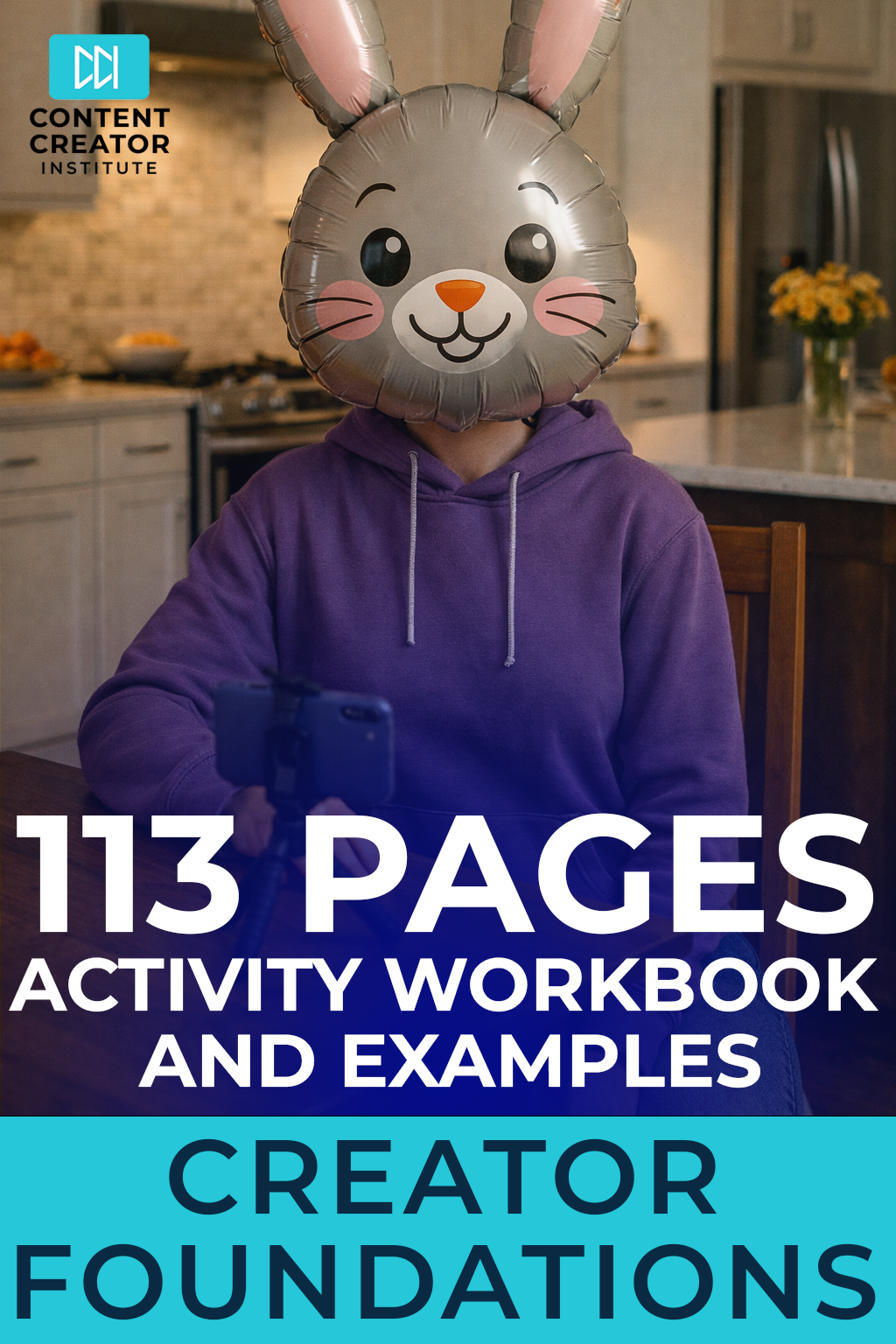
Level 1: Content Creator Foundations - Activity Workbook & Examples
$25.00
Your Practical Starting Point for Clarity, Confidence, and Consistent Creation
Are you thinking about becoming a content creator, but unsure where to start? Are you opening your phone or laptop with ideas in your head but no clear plan for turning them into consistent content? Do you want to build something meaningful without burning out, copying everyone else, or constantly second guessing yourself?
The Content Creator Foundations Activity Workbook works together with the Content Creator Foundations Course and is the behind-the-scenes planning system every new and aspiring creator needs. This 113 page guided workbook helps you organize your ideas, define your direction, and build sustainable habits so content creation feels clear and manageable from the very beginning.
Whether you are exploring content creation as a creative hobby or laying the groundwork for a long-term career, this workbook gives you a structured way to move forward with confidence instead of uncertainty.
Why This Workbook Matters
New creators don’t struggle because they lack ideas. They struggle because they lack direction, structure, and a clear starting point.
Between choosing a niche, figuring out what to post, learning how platforms work, setting up filming, editing, and trying to stay consistent, content creation can quickly feel confusing and mentally exhausting. Without a plan, most creators stop before they ever build momentum.
This workbook removes that friction.
Instead of guessing, you work through clear activities that guide your thinking, your decisions, and your actions. You are shown what progress actually looks like, with completed examples included throughout so you never feel stuck wondering if you are doing it “right.”
What Makes This Workbook Different
Most creator workbooks ask questions and leave you to figure out the answers on your own. This one shows you how to think through each step.
✔ 113 pages of structured activities tied to content creator decisions
✔ Clear instructions that tell you exactly what to do and why
✔ Fully completed examples for every lesson
✔ Focus on systems, not motivation or trends
✔ Designed to reduce mental load and build confidence through action
✔ Built for beginners without requiring experience or equipment
This is not about posting more content. It is about building a foundation that makes consistency possible.
Who This Workbook Is For
This workbook is designed for creators at the beginning of their journey, including:
🎥 Aspiring content creators exploring a new path
📱 Hobby creators who want more structure and clarity
🎙️ Creators building confidence on camera
✍️ Writers, educators, and professionals testing content ideas
🚀 New creators who want systems, not shortcuts
If you want to understand content creation before committing fully, this workbook gives you a safe, practical place to start.
What’s Inside the Workbook
Inside this 113 page activity workbook, you will work through exercises covering:
• Choosing and testing a content niche
• Defining a recognizable content style
• Building confidence on camera
• Understanding how platforms surface content
• Long-form versus short-form decision making
• Selecting a primary platform
• Creating repeatable content idea systems
• Balancing trend and evergreen content
• Building a personal content vault
• Setting up simple filming workflows
• Editing for speed and clarity
• Developing a realistic posting schedule
• Reducing overthinking and perfection paralysis
Each section is designed to move you from uncertainty to clarity, one step at a time.
How to Use This Workbook
Open a blank Word document or Google Doc and use it as your working space alongside the workbook. Answer the questions honestly, write freely, and focus on progress instead of polish. You are creating a planning and thinking tool, not a finished product.
You can move through one lesson at a time, revisit sections as your ideas evolve, and reuse the frameworks as your skills grow.
This workbook is meant to be returned to, not completed once and forgotten.
Imagine This…
Knowing what you want to create and why.
Opening your content notes and seeing clear ideas instead of scattered thoughts.
Feeling confident on camera because you understand your style.
Posting consistently because your process supports you.
Building something sustainable, whether content creation becomes a career or remains a meaningful creative outlet.
This workbook helps you build clarity first, so momentum can follow.
Get the Content Creator Foundations Activity Workbook
113 pages. Clear guidance. Real examples. No fluff. Build your foundation once so everything you create after this has something solid to stand on.
👉 Get the Workbook
Self-Reflection Questions
What causes the most friction before filming?
Which steps waste time or energy?
What setup feels most comfortable?
How consistent is my current process?
Where do mistakes usually happen?
What can I standardize immediately?
How does my workflow affect confidence?
What would make filming easier next week?
Keyword Phrases
Filming workflow: A repeatable system for preparing, recording, and wrapping up video content.
Batch filming: Recording multiple pieces of content in one session.
Pre-filming checklist: A list of steps to prevent technical mistakes.
Content preparation: Outlining or planning before filming.
Production efficiency: Saving time and energy during filming.
Camera consistency: Maintaining the same framing and settings.
Workflow optimization: Refining processes over time.
Creator momentum: Sustained progress through systems.
Tools and Resources
Checklists and planning templates
Camera and microphone presets
Tripods and phone mounts
Lighting setups or window lighting
Voice warm-up guides
File naming systems
Batch filming schedules
Workflow review templates